Host AI meetings on Bridge
Host scheduled or drop-in meetings with your team, customers, and anyone in between.
Learn more
The future of meetings
Bridge replaces legacy video conferencing and disparate meeting tools with one collaborative workspace for teams and their agents.
Partners and Programs




Ambitious teams that meet thoughtfully






















Agents
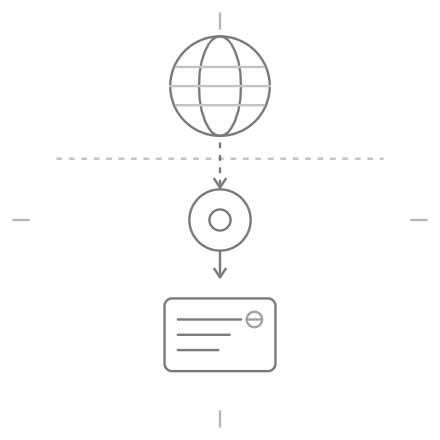
Create specialized AI teammates with their own identity, permissions, tool access, and instructions.
Create
Create specialized AI teammates with their own identity, permissions, tool access, and instructions.
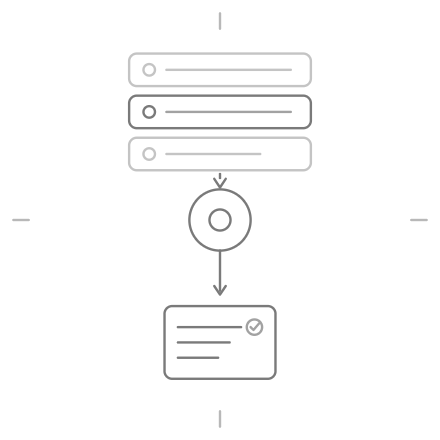
Activate
Set agents to operate according to your own schedule, triggers, and rules.
Identity
Purpose
Tools
Triggers
Tagged in Assistant (@)
Proactively during meetings
After every meeting
Scheduled
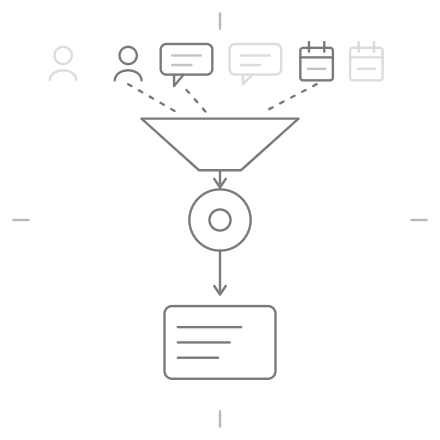
Collaborate
Delegate work to your agents, allow them to operate privately in the background, or join your meetings.
Automate
Let the agents analyze next steps, draft a plan, and complete each action with your approval.

Scheduling Manager
I can handle these
Book the follow-up meeting
Schedule a meeting (Google Calendar)
Send the follow-up email
Draft a follow-up email (Gmail)
Memory
People
Profiles for everyone you meet with that contain relevant context from conversations.
Companies
Profiles from companies you engage with that contain relevant business intelligence.
Conversations
Database of all meeting data that can be searched, filtered, analyzed, and shared.
Assistant
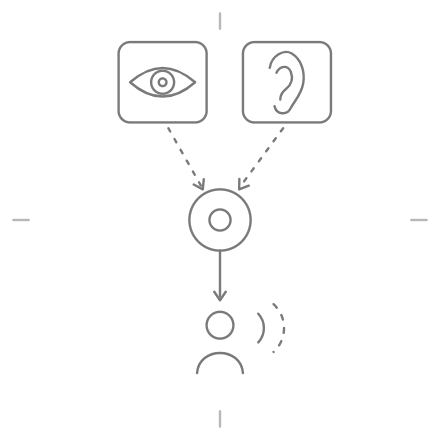
Able to see participants and screen shares, hear the conversation, and talk just like a human.
Available before, during, and after each conversation with the relevant context on hand.
Connected to everyday tools to pull relevant context and execute workflows.
Access to all conversation history for comprehensive answers and analysis.
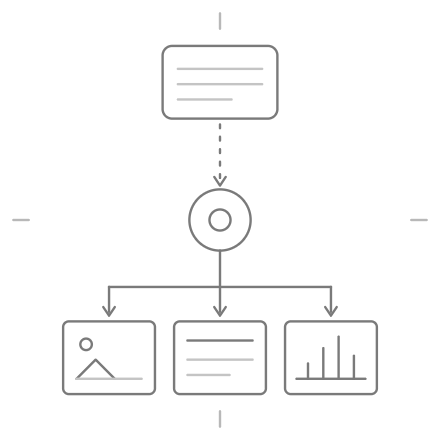
Generate images, slidedecks, diagrams, and more based on meeting context.
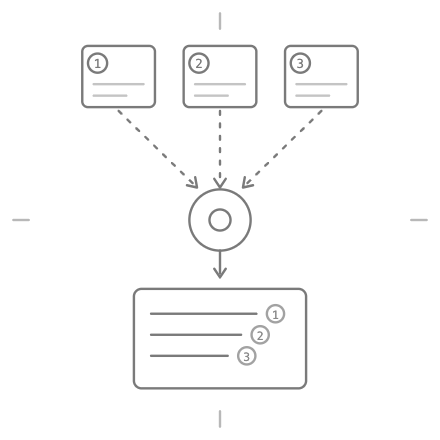
Get accurate responses grounded in meeting data with cited sources.
Reach outside existing meeting data for real-time information from the web.
Save custom reusable prompts and skills to use at any time for any purpose.
Uses context from the right people, conversations, and dates for relevant responses.
Connectors










Bridge MCP
Works with Claude Desktop and claude.ai
Connection URL
https://api.meetonbridge.com/mcpI want to connect Bridge MCP to access my meeting context in this agent. Bridge is a meeting intelligence workspace that exposes meeting transcripts, notes, people profiles, and company data via MCP. Please walk me through: 1. How to add Bridge as an MCP server in this client 2. What connection URL and authentication steps I need 3. What meeting data I can query once connected Bridge MCP connection URL: https://api.meetonbridge.com/mcp
Management
Bring your whole team and stakeholders into one shared meeting workspace.
Spaces are collaborative channels to work with others and share meeting notes.
Meeting notes and action items reach the right people without sending manually.
Teach Bridge about your industry, company, and market so AI output is always relevant.
Set team and role preferences to personalize preparation, notes, and assistance.
Review your agent roster, triggers, and activity from a single dashboard.
Privacy
Independently audited certification for security, protection, and confidentiality.
Full compliance with GDPR and CCPA frameworks through strict data protection measures.
Enterprise-grade encryption in transit and at rest, with secure tenant isolation.
Your data is not used to train AI models and personal information is not sold to third parties.
Testimonials

“Bridge is smarter than anything I've used before.”

“I started using Bridge to onboard new hires remotely, and it's a game-changer.”

“Bridge is truly revolutionary for sales calls.”

“Big fan of Bridge. Highly recommend everyone uses this product.”

“Bridge is incredible. I depend on it daily!”
FAQ
Bridge is the world's first meeting platform for the agentic era, combining AI-native video conferencing, meeting intelligence, and collaborative AI agents into one thoughtful workspace. For the first time, people and AI can meet and work together as true collaborators.
Legacy meeting platforms were built to host virtual meetings. Bridge is the modern alternative to these legacy tools, helping people and AI work together through AI-native video conferencing, meeting intelligence, and collaborative AI agents in one platform.
Teams choose Bridge for many reasons, including:
Most AI notetakers only provide summaries, key takeaways, and action items. Bridge provides AI notetaking, in addition to other valuable benefits, such as:
So whether you're hosting on Bridge, capturing meetings outside Bridge, or meeting in person, Bridge will always provide AI notetaking that includes:
Bridge can replace your existing video conferencing platform, AI notetaker, and meeting analysis tools, or complement what you already use.
Yes. If you choose to continue using a different platform for hosting meetings, you can still capture those conversations by adding the Bridge Agent to the meeting or using the Bridge desktop app for bot-free capture on Apple Silicon Macs. Slack Huddles, Webex, and other meeting platforms are also supported through the desktop app.
For the full AI-native experience complete with human-like agents, adaptive AI, and more, we recommend hosting your meetings natively on Bridge.
Learn more about this topicNot necessarily. Some teams start by capturing their meetings on Zoom, Google Meet, or Microsoft Teams for AI meeting assistance and notetaking, while others exclusively use Bridge as their AI-native conferencing platform. Regardless of where the conversation is happening, Bridge is designed to become the home for every conversation.
Bridge AI agents are digital coworkers you can create and modify for specific jobs (e.g. sales, CS, product, recruiting, investors) or custom use cases (e.g. daily briefing, live fact-checker, scheduling manager). They work privately in your workspace based on the instructions, permissions, rules, and triggers you assign.
They can also join meetings and talk when needed. During meetings, they can see participants and screenshares, hear the conversation, and act with your tools and context.
Most importantly, agents can take action with your tools and context, so follow-through happens from the same place that the information is captured.
Bridge also provides an MCP so you can bring your meeting context into your existing AI agents such as Claude, ChatGPT, and more.
Learn more about this topicYes. Remote, hybrid, and in-person meetings are supported through Bridge. For in-person or hybrid meetings, you can capture those conversations directly from your computer or phone, and can host virtual meetings the same way.
Learn more about this topicYes. Bridge provides enterprise-grade security; we're Google CASA certified via independent audit; and GDPR and CCPA compliant. Customer data is end-to-end encrypted, never used to train public models, and never sold to unauthorized parties.
Learn more about this topic