
Bridge Assistant
Book meetings on a Bridge booking page from your own code
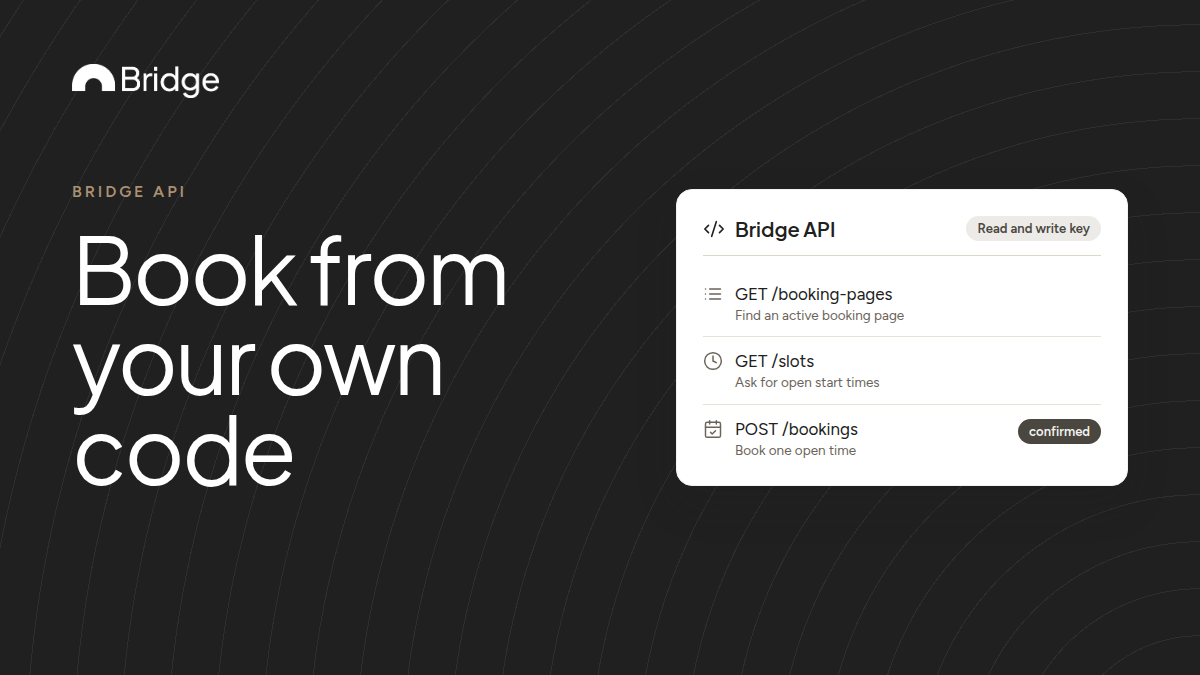
The Bridge API can book a meeting on one of your booking pages the same way the public booking form does. You create a read and write key, find the page, ask for open times, then send the booking. Bridge sends the confirmation emails and adds the meeting to the hosts' calendars.

When to book through the API
Use the API when people should book from somewhere other than your Bridge booking page. Examples are a signup flow in your app, an internal tool for your sales team, or a support form that books a call.
The API books exactly as the public form does. The attendee gets the same confirmation email, and the meeting lands on the hosts' calendars.
Before you start
- A Business or Enterprise workspace. API keys aren't available on other plans.
- A workspace owner to create the key. Only owners can see and manage keys.
- A booking page that is accepting bookings.
- Your own email address for test bookings, since every booking sends real confirmation emails.
1. Create a read and write key
In Bridge, go to Settings → API keys, click Create API key and choose Read and write. A read only key can see open times but gets a 403 error when it tries to book.
Bridge shows the full key only once. Keep it in a secret manager or an environment variable, never in browser code.
Check the key with GET https://api.meetonbridge.com/v1/me and the header Authorization: Bearer followed by your key. The response names the key, its access and the workspace.
2. Find the page, get times, book
Three requests do the booking. All of them go to https://api.meetonbridge.com/v1 with the same Authorization header.
| Request | What to send | What you get back |
|---|---|---|
| GET /booking-pages | Nothing extra | Each page's id, status, duration_minutes and booking form questions. Use a page whose status is active. |
| GET /slots | booking_page_id, start, end and timezone. The range can be up to 31 days. | bookable, plus a list of open start times |
| POST /bookings | booking_page_id, one open start, and attendee with name, email and timezone | The new booking with status confirmed. For a Bridge video page (location.type bridge), location.meeting_url holds the meeting link; it can be null. |
3. Fill in the booking
The attendee's timezone is an IANA name, such as America/New_York. Answers to the page's questions go in responses, keyed by each question's id from GET /booking-pages.
- Required: booking_page_id, start, and attendee with name, email and timezone.
- Optional: attendee first_name and last_name, guests, notes, responses and sms_consent.
- Questions with required: true in GET /booking-pages need an answer in responses, keyed by the question id.
Example: book from a trial signup
This example is illustrative. A new trial user picks a kickoff call inside your app. Your server calls GET /slots for your Onboarding page over the next 7 days, in the user's time zone, and shows the open times.
The user picks 2:30 PM. Your server sends POST /bookings with that start, the user's name, email and time zone, and their team size in responses. You store the booking id from the response.
If they later ask to move it, send the new start to POST /bookings/{id}/reschedule. To cancel, use POST /bookings/{id}/cancel with a reason.
Handle the errors you will see
Errors return status error with a stable code and a plain-language message. Decide what to do from the code, and show or log the message.
| Code | What happened | What to do |
|---|---|---|
| 409 conflict | Someone else just booked that time | Call GET /slots again and offer the fresh times |
| 400 validation_error | A field is missing or invalid, or the page isn't accepting bookings | Fix the request from the message. Don't retry it unchanged. |
| 403 forbidden | The key is read only, its creator is no longer a workspace owner, its owner lacks permission for this item, or the plan doesn't include the API | Use a read and write key on a Business or Enterprise workspace, ask a current owner to create a new one, or change the request to an item the key can access |
| 429 rate_limited | More than 120 requests in a minute from this key | Wait RateLimit-Reset seconds, then retry |
Don't book the same meeting twice
Retry 429 and 5xx errors with a growing delay. A booking request that times out is different: it may have gone through.
Before you retry a POST /bookings that timed out, check GET /bookings with attendee_email, booking_page_id and after_created_at set to a time just before your first attempt. Otherwise the attendee can end up with two meetings and two confirmation emails.
Test it before you go live
- Book a time with your own email and check the confirmation email and the calendar event.
- Send a request that returns 409 conflict, or simulate one, and confirm your code fetches fresh slots instead of retrying the same start.
- Turn the page off and confirm GET /slots returns bookable false.
- Reschedule and cancel the test booking through the API, and check the emails that follow.
Sources & further reading
- Bridge developers: Quickstart ↗
- Bridge developers: Authentication ↗
- Bridge developers: Errors ↗
- Bridge developers: Rate limits and pagination ↗
- Bridge API reference: Available start times for a booking page ↗
- Bridge API reference: Book a meeting ↗
- Bridge API reference: List booking pages ↗
- Bridge API reference: List bookings ↗