
Bridge Assistant
What's new in Bridge (week of Nov 9)
This week's release gives agents interactive, human-like avatars in Bridge meetings and upgrades Bridge video conferencing with a Google Calendar add-on, verified guests and more host controls. It also adds 9 new connectors, from Salesforce and GitHub to Apollo and Stripe.

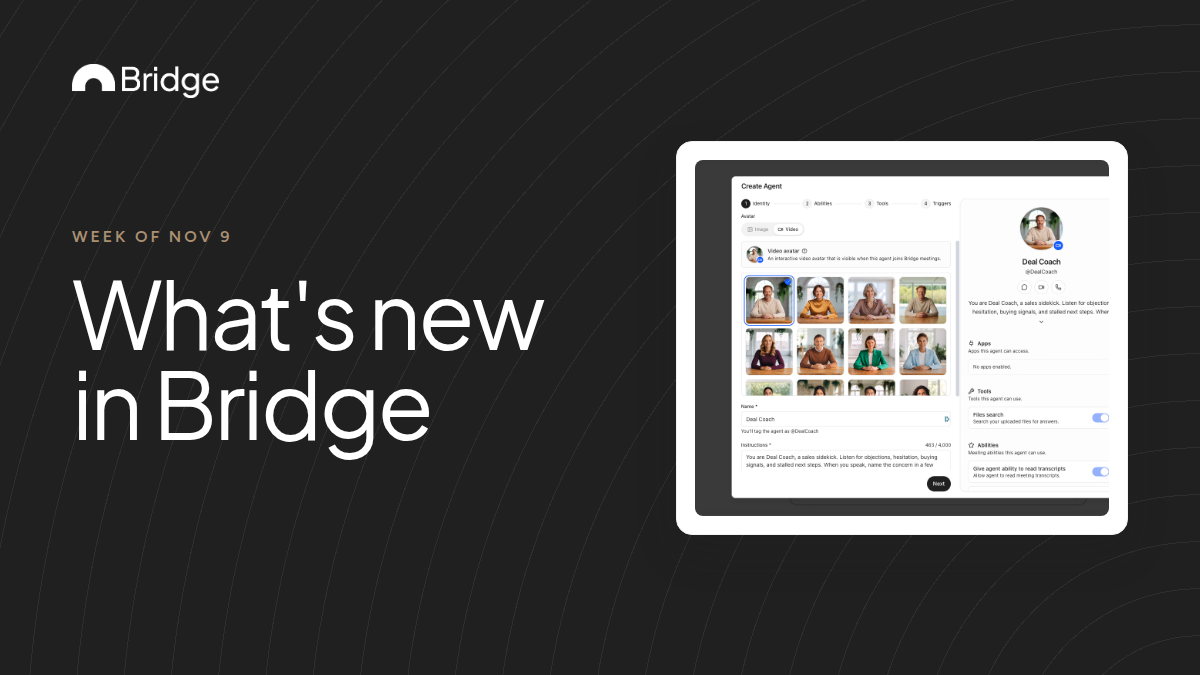
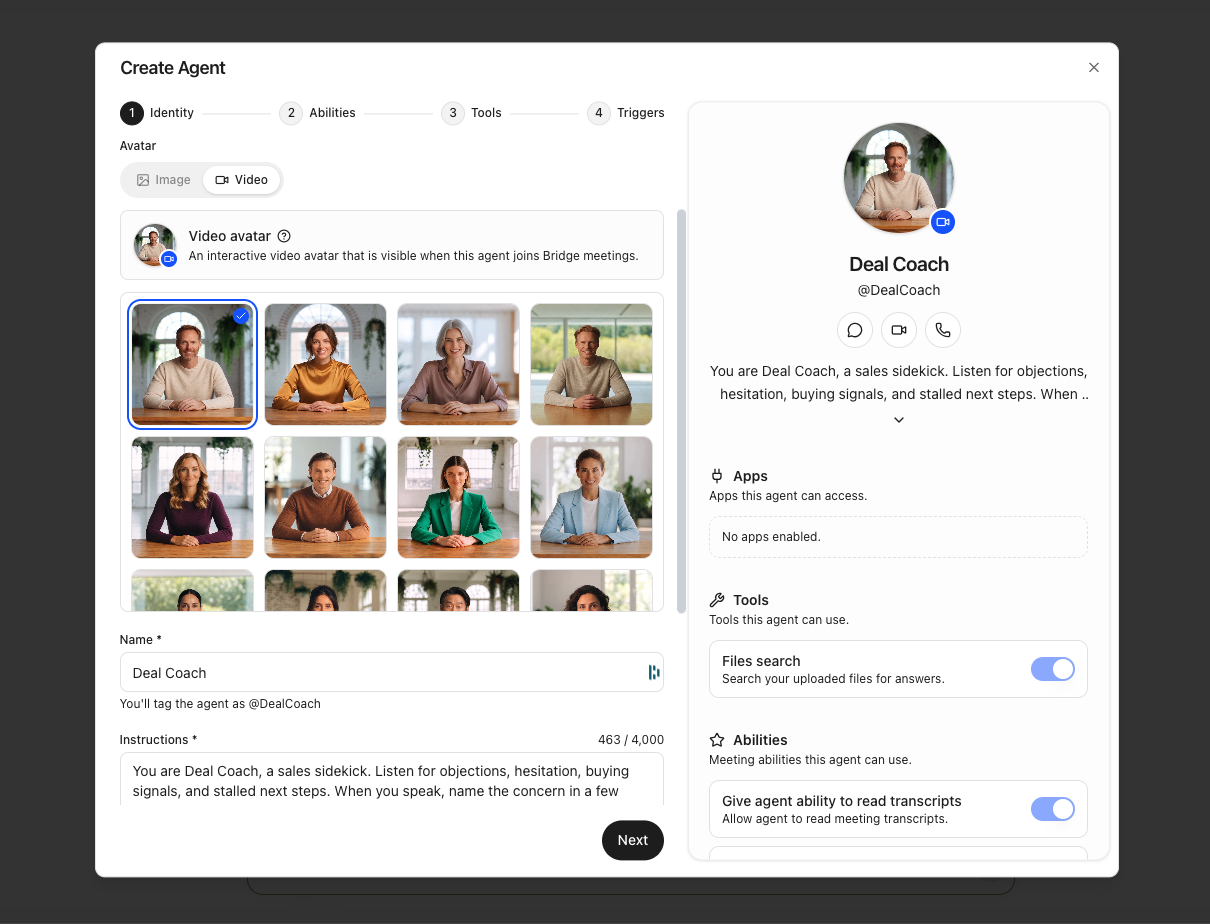
Interactive avatars for agents
Agents can now show an interactive, human-like avatar in Bridge meetings instead of a still image.
In the agent's Identity step, switch the avatar to Video and pick a face from the grid. The grid previews the expression that matches the agent's personality, so change the personality to see a different one. Interactive avatars appear in meetings hosted on Bridge.
Interactive avatars are in beta, with limits that may change. Check the current limits in our help center before you rely on the avatar in a long meeting.
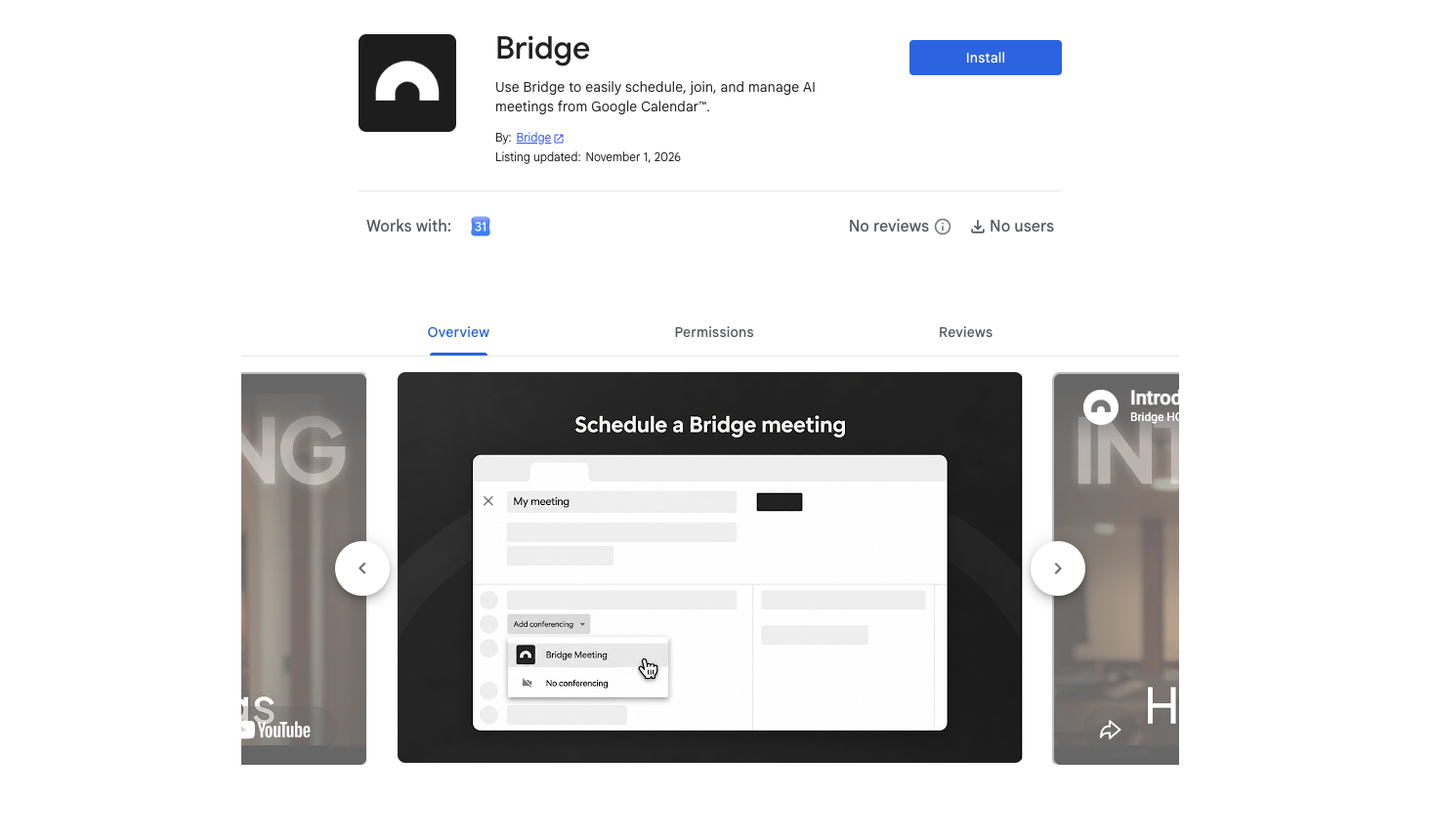
Video Conferencing v2
Meetings hosted on Bridge get a round of upgrades for hosts and guests.
- Google Calendar add-on: install the Bridge add-on from the Google Workspace Marketplace, and Bridge appears in the Add video conferencing field on your Google Calendar events, with the meeting link added for you.
- Guest email verification: guests can add their email in the lobby and confirm it with a six-digit code. When the email is on the invite, they see Invitation recognized and join under their verified name and email.
- More host controls: hosts can turn the Assistant, agents and participant management on or off for everyone else, and have participants join with every panel hidden.
- New backgrounds: 22 new backgrounds in the Professional and Stylized sets, plus light and strong blur.
- Files in meeting chat: attach files of up to 15 MB in the in-meeting chat.
- Also new: invitations sent by email from the participants field use signed links, more than one guest can share their screen, and guests can use the Assistant unless the host turns it off.
9 new connectors
New connectors: Outlook Mail, Salesforce, Asana, GitHub, Apollo, Klaviyo, X, Documentation.ai and Stripe.
The connector list is now grouped into categories, including Engineering, Sales, Marketing, Documentation and Finance, so the right one is easier to find. A connected app gives Bridge context for your meetings, lets it take actions in that app and can be made available to your custom agents.
More improvements
- Meeting links: Scheduling has a Meeting Links tab next to Booking Pages, and each meeting link can have its own host controls.
- Salesforce on booking pages: a booking can create or update Salesforce contacts, leads and events.
- Calendar context for desktop recordings and manual bot invites: Bridge links the recording to its calendar event, so the brief's context carries into the capture page and the recap.
- Agent filters: filter the Agents list by type, trigger, tool and ability.
- Notifications: notification settings now have their own page.
- People profiles: profiles and hover cards show a person's bio and local time.
- Recording thumbnails: recorded meetings show a thumbnail on their card under Past.
Fixes
- The Meetings page loads past meetings and filter counts faster.
- Recaps no longer appear twice in the Meetings inbox.
- Virtual backgrounds show as soon as the meeting starts, and edits to backgrounds and effects only reach the call once you save them.
- Double-clicking a call button no longer starts two meetings or sends two invites.
- People who joined and then left no longer stay listed under Also invited.
- Collections can be reordered on mobile again.
Sources & further reading
Keep readingGive your Bridge agent an interactive avatar →